Download

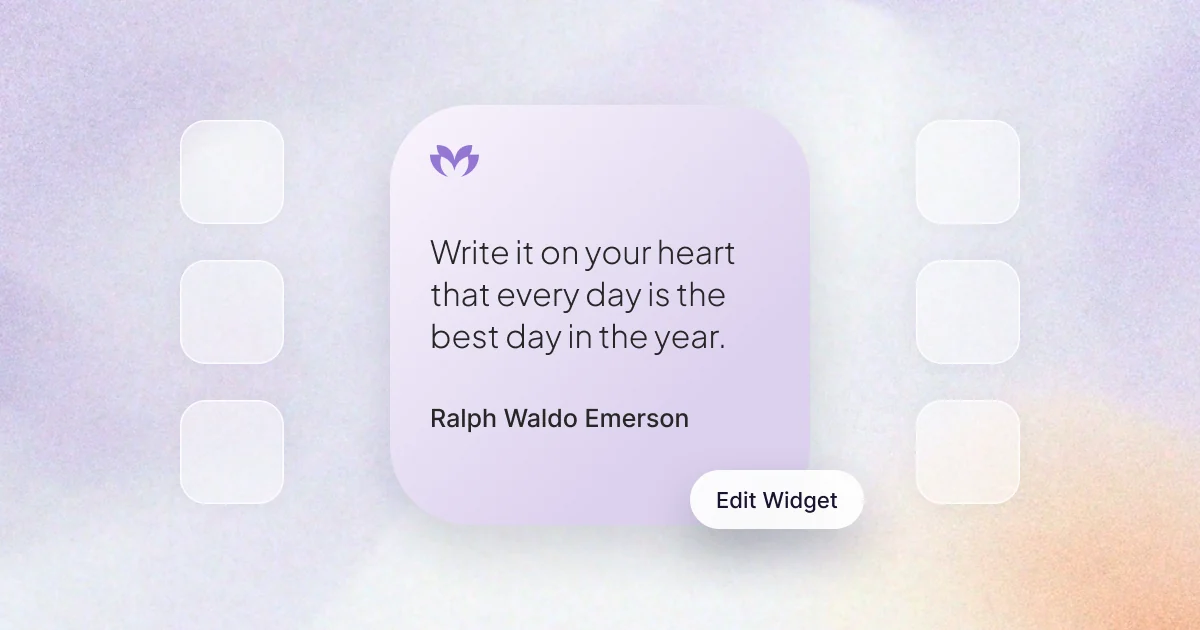
A widget puts today’s quote right where you’ll see it, without opening anything. These steps use Blumvie, but they work the same way for any widget.
First, install Blumvie and open it once, so the widget has today’s quote ready.
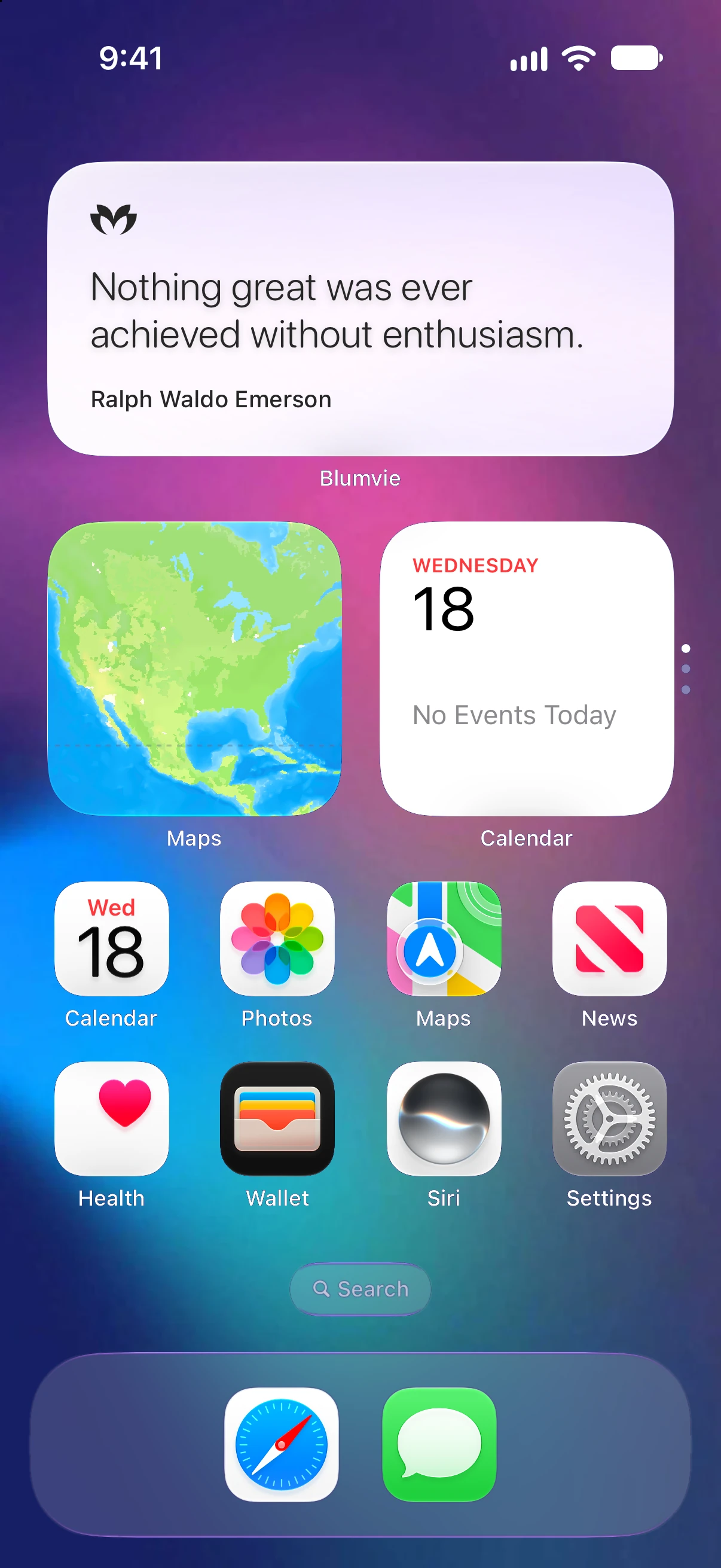
On your Home Screen (free)
- Touch and hold an empty spot on your Home Screen until the apps start to jiggle.
- Tap the button in the top-left corner, then Add Widget.
- Tap Blumvie in the list, or search for it.
- Swipe to pick a size. Small shows the quote; medium gives it more room.
- Tap Add Widget, drag it where you want it, then tap the checkmark in the top-right corner.
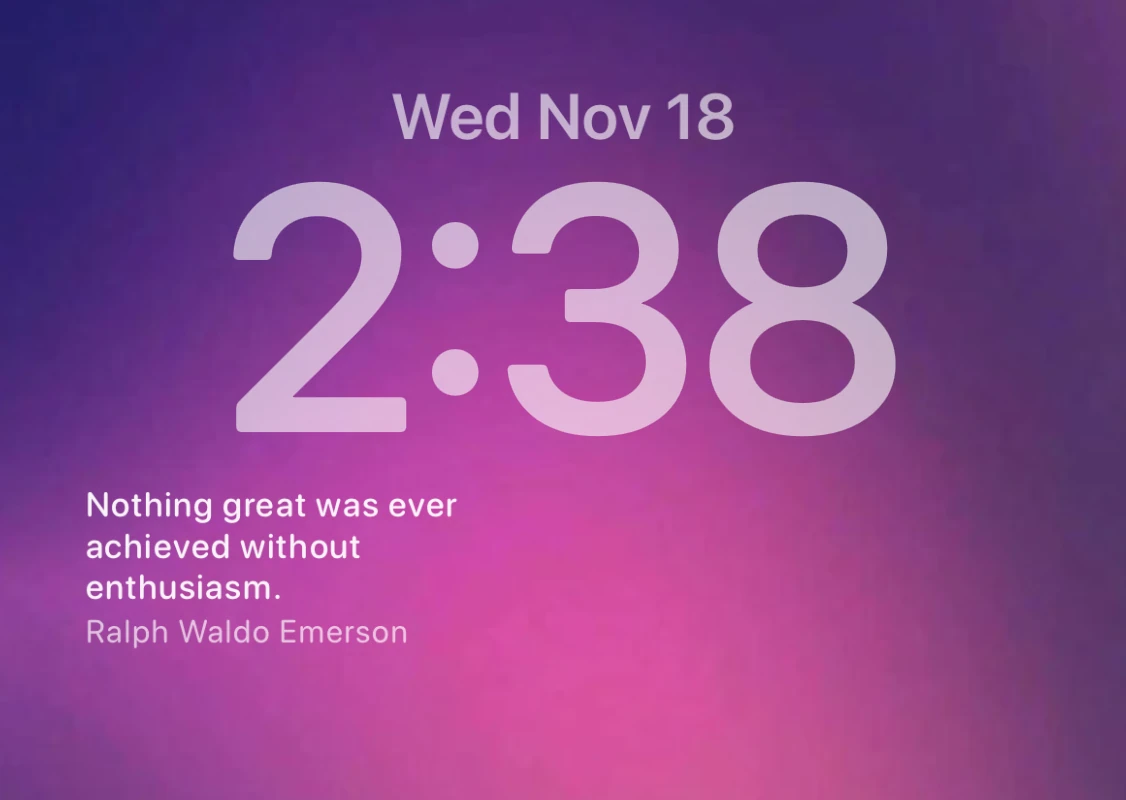
On your Lock Screen (Blumvie Premium)
- Touch and hold your Lock Screen until Customize appears, then tap it.
- Tap Lock Screen.
- Tap Add Widgets below the clock.
- Tap Blumvie, then tap Today’s Quote to add it.
- Close the widget list, then tap Done.
Prefer a single line? Tap the date above the clock instead and choose Blumvie there.
If the widget shows an old quote
Open Blumvie once and the widget will catch up. If it still looks out of date, remove the widget and add it again.
Why a widget works
You look at your phone dozens of times a day. A quote on your Home Screen gets read without you having to remember to read it. That’s the whole idea behind Blumvie, one good thought each morning, right where you’ll see it.